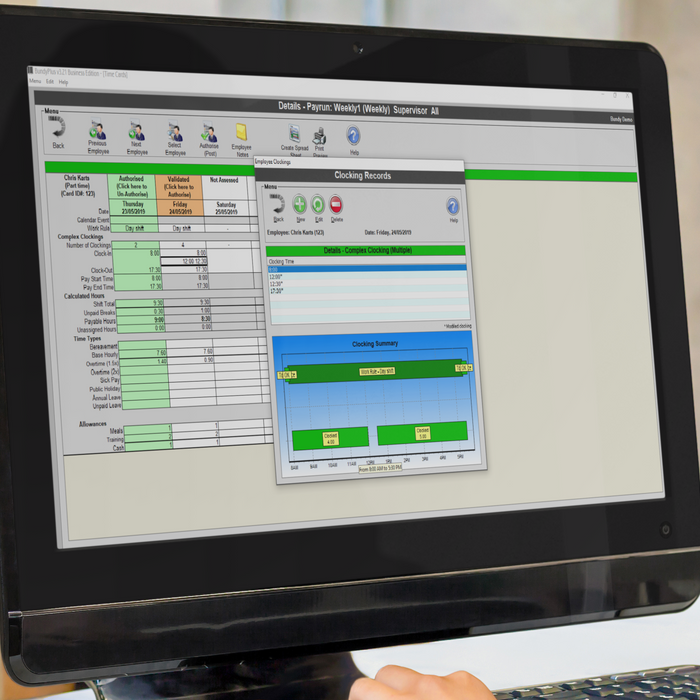
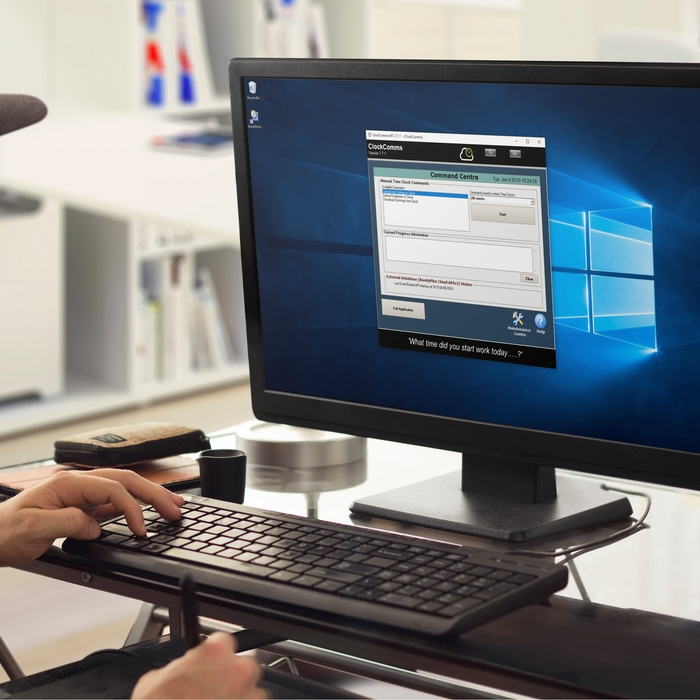
ClockComms software does all the hard work of gathering employee clocking records from one to many time clocks and creates pain text transaction files.
This file contains timezone details including UTC offsets, daylight savings dates and locations used by ClockComms to ensure timeclocks remain on time.
This legacy version of BundyPlus has been deprecated and no further development or bug fixes will occur. It is highly recommended to upgrade to the latest version.
This legacy version of ClockComms has been deprecated and no further development or bug fixes will occur. It is highly recommended to upgrade to the latest version.